Day 8 Task: Basic Git & GitHub for DevOps Engineers.
What is Git?
Git is a version control system that allows you to track changes to files and coordinate work on those files among multiple people. It is commonly used for software development, but it can be used to track changes to any set of files.
With Git, you can keep a record of who made changes to what part of a file, and you can revert back to earlier versions of the file if needed. Git also makes it easy to collaborate with others, as you can share changes and merge the changes made by different people into a single version of a file.
Here are some key concepts and features of Git:
Version Control System (VCS): Git allows developers to track changes in their codebase over time. It enables multiple people to work on a project simultaneously while keeping track of changes made by each contributor.
Distributed: Unlike centralized version control systems, Git is distributed. Every user has a complete copy of the repository, including its entire history. This makes it possible to work offline and enables a more flexible and decentralized workflow.
Repository: A Git repository is a collection of files and folders, along with the entire history of changes made to them. Repositories can be local (on your computer) or remote (on a server).
Commit: A commit is a snapshot of the changes made to the files in a repository at a particular point in time. Each commit has a unique identifier and is accompanied by a commit message that describes the changes.
Branch: Git allows for the creation of branches, which are independent lines of development. This allows developers to work on new features or bug fixes without affecting the main codebase until they are ready to merge their changes.
Merge: Merging is the process of combining changes from one branch into another. This is typically done to incorporate new features or bug fixes into the main branch.
Pull Request (PR): In a collaborative development environment, contributors often submit pull requests to propose changes to the main branch. The pull request includes a set of changes and can be reviewed by other team members before being merged.
Clone: Cloning is the process of creating a copy of a repository, including all its files and commit history, on your local machine.
Popular platforms like GitHub, GitLab, and Bitbucket provide hosting services for Git repositories, making it easy for teams to collaborate, manage projects, and track changes in their codebases.
What is GitHub?
GitHub is a web-based platform that provides hosting for version control using Git. It is a subsidiary of Microsoft, and it offers all of the distributed version control and source code management (SCM) functionality of Git as well as adding its own features. GitHub is a very popular platform for developers to share and collaborate on projects, and it is also used for hosting open-source projects.
GitHub offers a range of features and tools to facilitate collaboration among developers. Some key aspects of GitHub include:
Git Repository Hosting: GitHub allows users to host their Git repositories on the platform. Developers can create repositories to store and manage their source code, making it accessible to others for collaboration.
Collaboration Tools: GitHub provides tools for collaboration, including the ability to create and review pull requests. Pull requests are proposed changes to a repository that can be reviewed and discussed before being merged into the main codebase.
Issue Tracking: GitHub includes an issue tracking system, which allows users to report bugs, request features, and discuss ideas. Issues can be assigned to specific users, labeled, and organized to help manage the development process.
Wikis: GitHub repositories can include wikis, which are collaborative pages that can be edited by project contributors. Wikis are often used for documentation and project-related information.
GitHub Actions: GitHub Actions is a feature that allows you to automate workflows for your projects. You can set up custom workflows to build, test, and deploy your code directly from your GitHub repository.
Branch Protection: GitHub allows repository owners to enforce rules on branches, such as requiring code reviews before merging or preventing direct pushes to certain branches. This helps maintain code quality and collaboration standards.
GitHub Pages: GitHub Pages is a feature that enables users to create and host websites directly from their GitHub repositories. This is often used for project documentation or personal and project websites.
Social Coding: GitHub encourages social interaction and networking among developers. Users can follow each other, star repositories, and contribute to open-source projects. This social aspect has contributed to GitHub's popularity and the growth of open-source development.
GitHub is widely used by individual developers, teams, and large organizations for both open-source and private projects. It has become an integral part of the software development ecosystem, fostering collaboration and providing tools to streamline the development process.
What is Version Control? How many types of version controls do we have?
Version control is a system that tracks changes to a file or set of files over time so that you can recall specific versions later. It allows you to revert files back to a previous state, revert the entire project back to a previous state, compare changes over time, see who last modified something that might be causing a problem, who introduced an issue and when, and more.
There are two main types of version control systems: centralized version control systems and distributed version control systems.
A centralized version control system (CVCS) uses a central server to store all the versions of a project's files. Developers "check out" files from the central server, make changes, and then "check in" the updated files. Examples of CVCS include Subversion and Perforce.
A distributed version control system (DVCS) allows developers to "clone" an entire repository, including the entire version history of the project. This means that they have a complete local copy of the repository, including all branches and past versions. Developers can work independently and then later merge their changes back into the main repository. Examples of DVCS include Git, Mercurial, and Darcs.
Advantages of Version Control Systems:
History Tracking: Version control systems keep a detailed history of changes, including who made each change, when it was made, and what was modified. This history can be invaluable for understanding project evolution, troubleshooting issues, and rolling back to previous states.
Collaboration: Version control systems facilitate collaboration among multiple contributors. They provide mechanisms for branching, merging, and resolving conflicts, enabling a smooth and organized development process.
Parallel Development: Multiple developers can work on different features or bug fixes simultaneously. Version control systems help manage parallel development efforts and integrate changes seamlessly.
Backup and Recovery: The repository acts as a backup, and in case of data loss or mistakes, it is possible to revert to a previous state. This ensures that valuable project data is not lost.
Branching and Merging: Version control systems allow for the creation of branches, and independent lines of development. This enables developers to work on features or bug fixes without affecting the main codebase until they are ready to merge their changes.
Among these, Git is currently one of the most popular version control systems, especially in the context of distributed version control. Many projects and development teams use Git and platforms like GitHub, GitLab, and Bitbucket to manage and host their repositories.
Why do we use distributed version control over centralized version control?
Better collaboration: In a DVCS, every developer has a full copy of the repository, including the entire history of all changes. This makes it easier for developers to work together, as they don't have to constantly communicate with a central server to commit their changes or to see the changes made by others.
Improved speed: Because developers have a local copy of the repository, they can commit their changes and perform other version control actions faster, as they don't have to communicate with a central server.
Greater flexibility: With a DVCS, developers can work offline and commit their changes later when they do have an internet connection. They can also choose to share their changes with only a subset of the team, rather than pushing all of their changes to a central server.
Enhanced security: In a DVCS, the repository history is stored on multiple servers and computers, which makes it more resistant to data loss. If the central server in a CVCS goes down or the repository becomes corrupted, it can be difficult to recover the lost data.
Overall, the decentralized nature of a DVCS allows for greater collaboration, flexibility, and security, making it a popular choice for many teams.
Task:
- Install Git on your laptop(if it is not already installed). You can download it from the official website at https://git-scm.com/downloads.
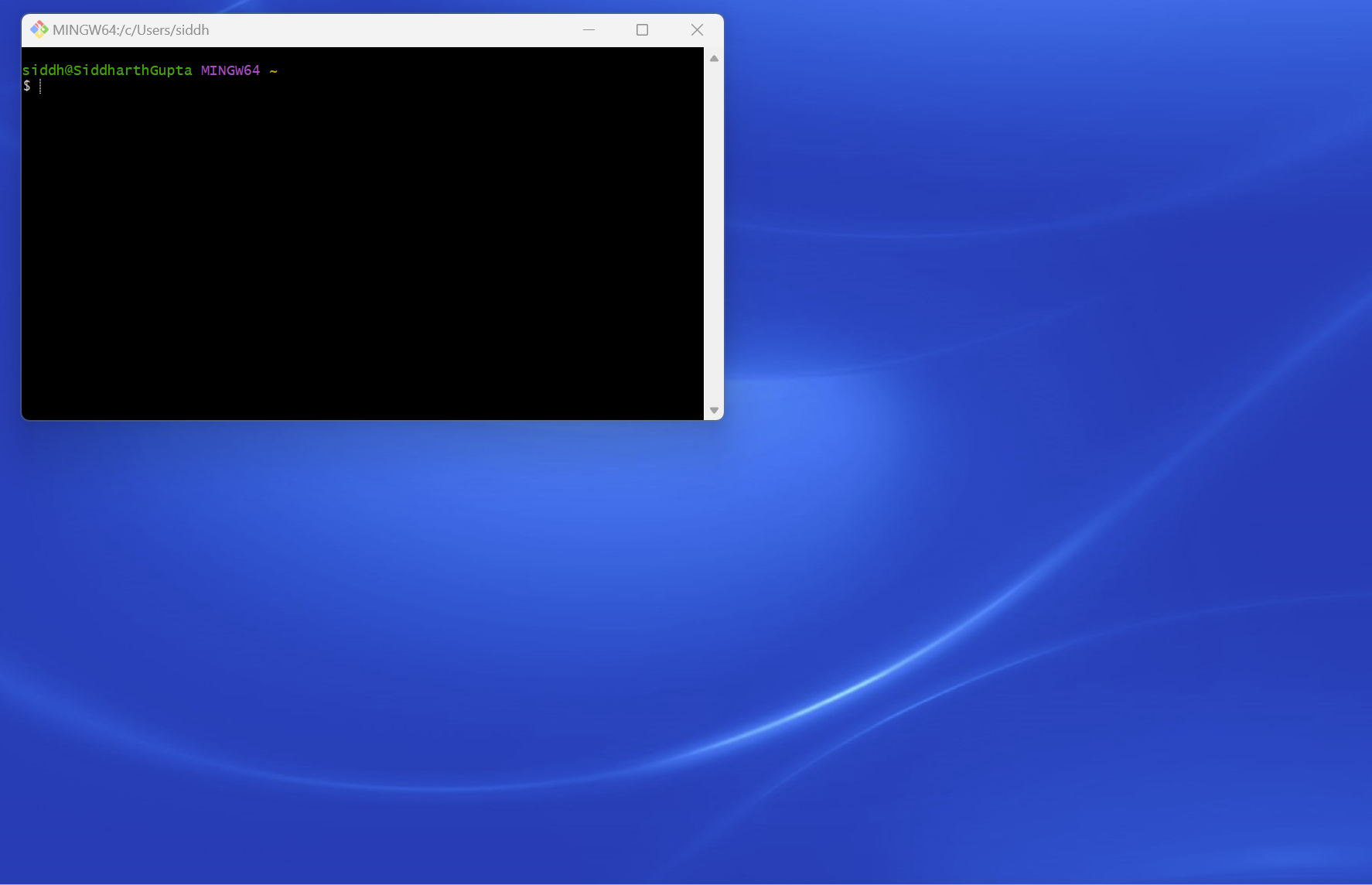
I have installed Git on our laptop and the Git Bash screenshot below.
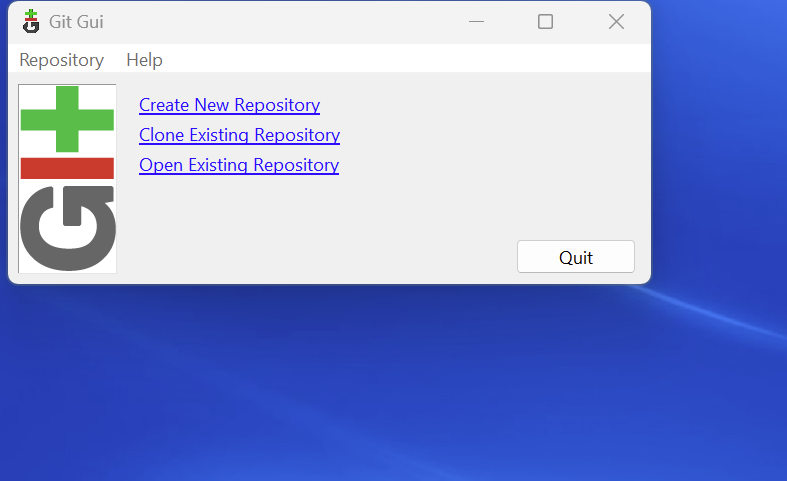
Git Gui screenshot below.
Create a free account on GitHub (if you don't already have one). You can sign up at https://github.com/)
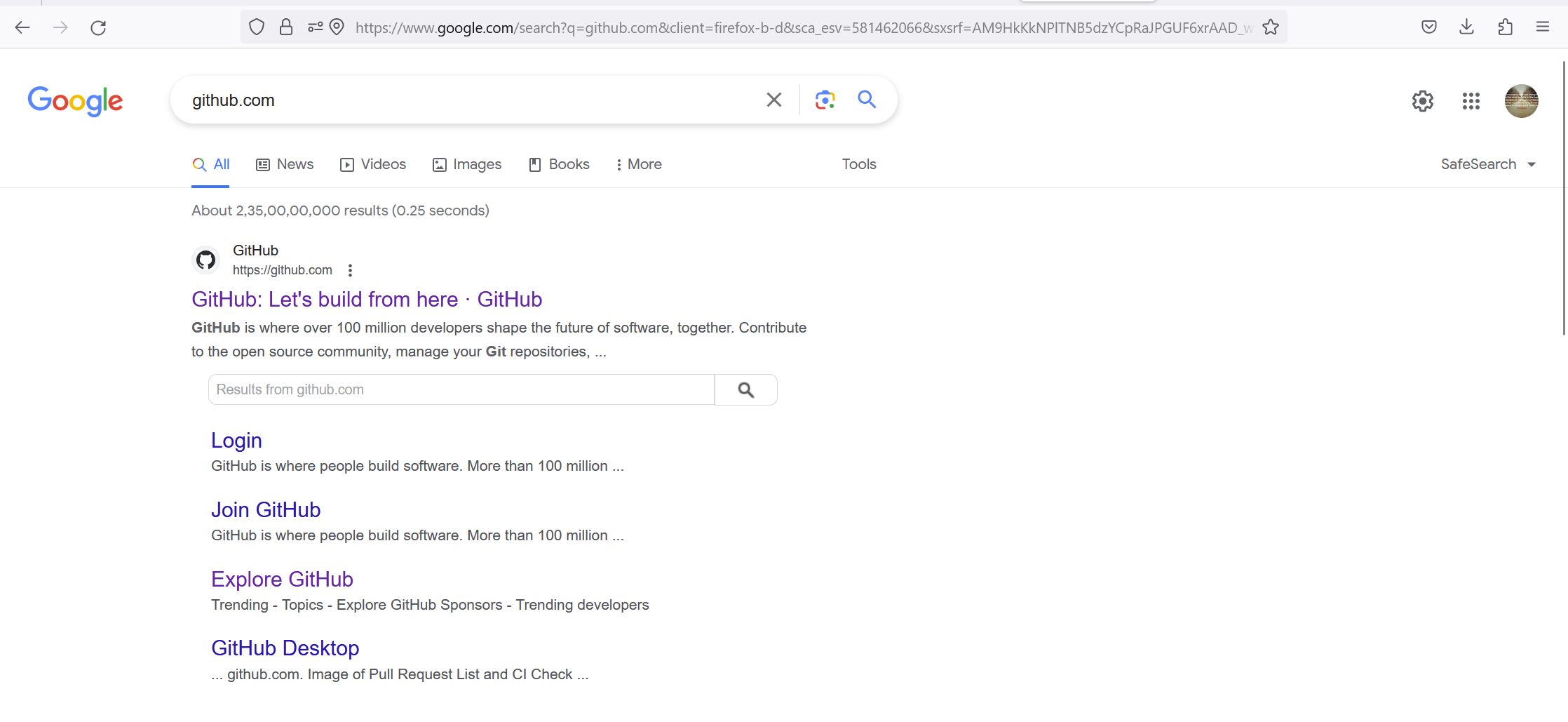
Go to Google Baba and search in github.com
Look like the screen below click on the first link.
3. Github.com is open
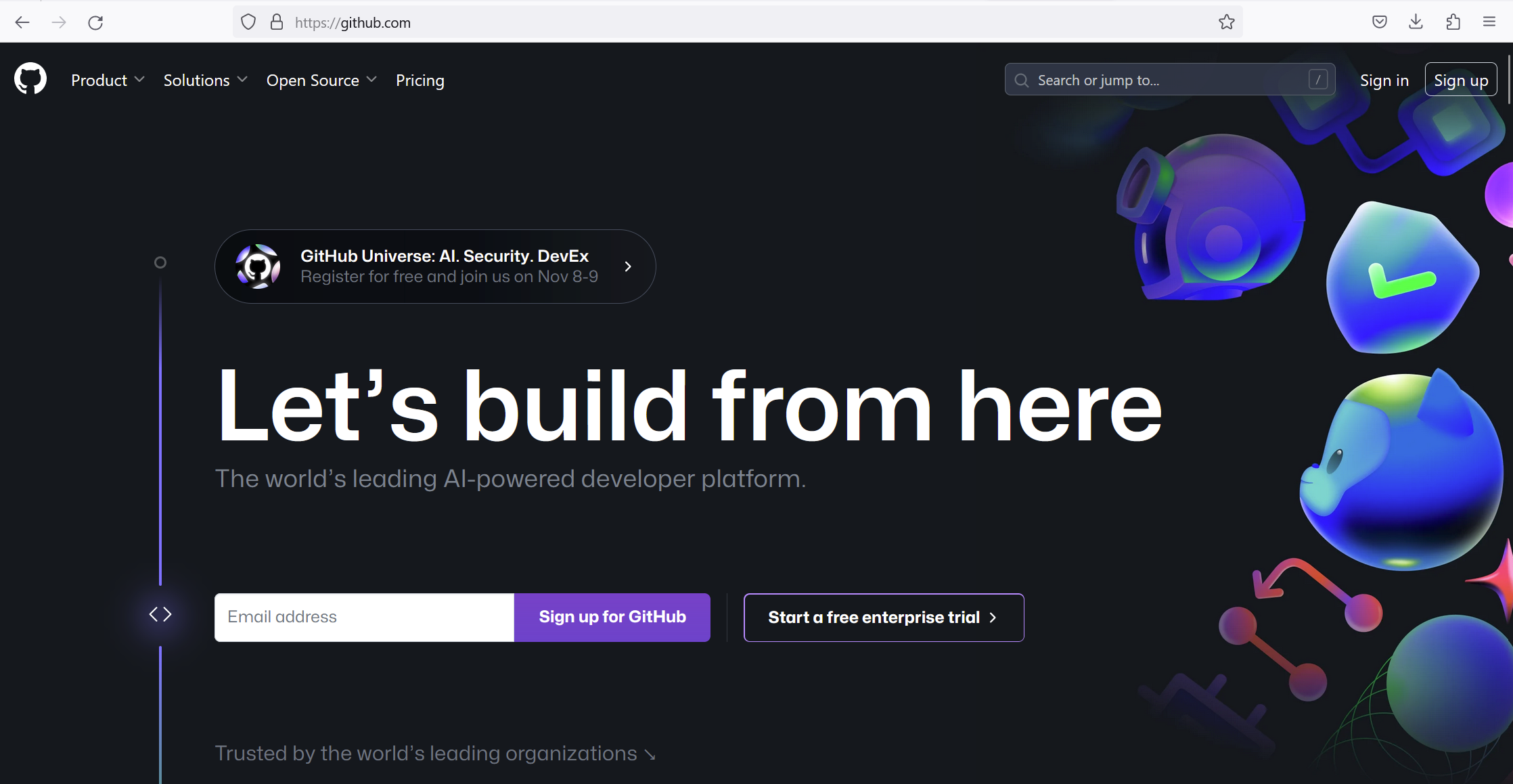
4. Click on signup and enter your email then continue.
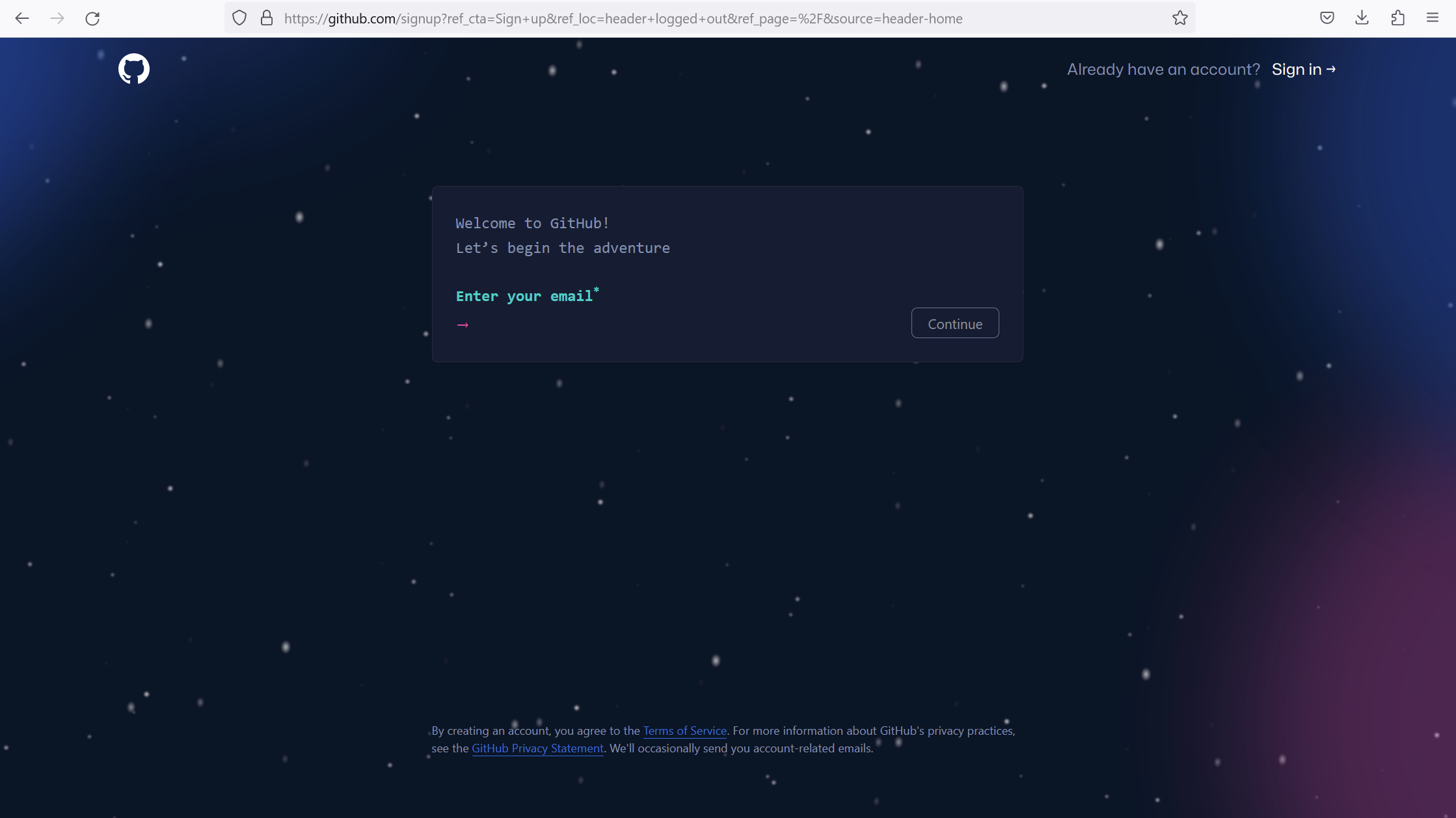
5. You have to create the password and then continue
Password policy-At least 15 characters and at least 8 characters including a number and a lowercase letter
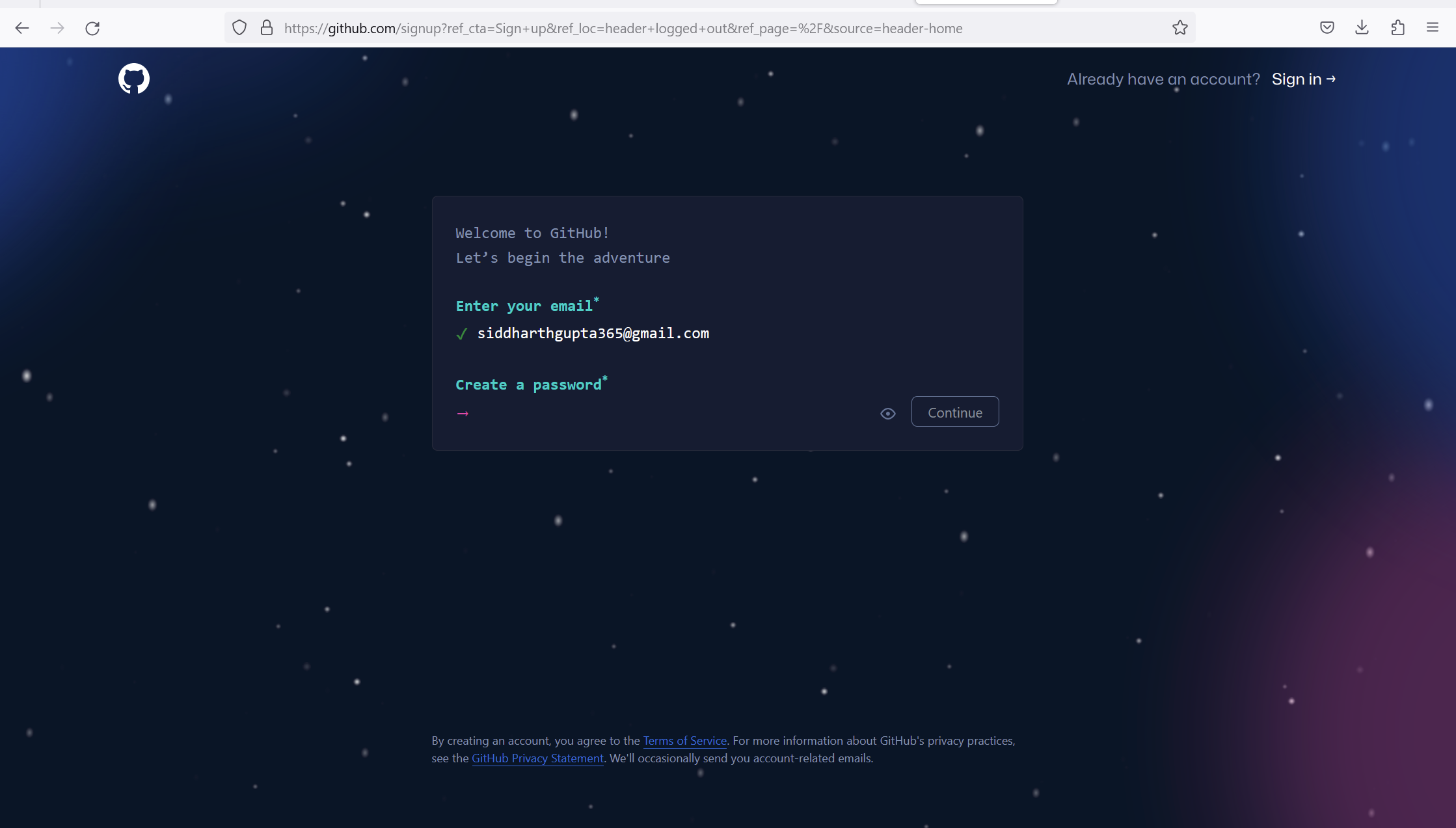
6. Enter your unique username then continue.
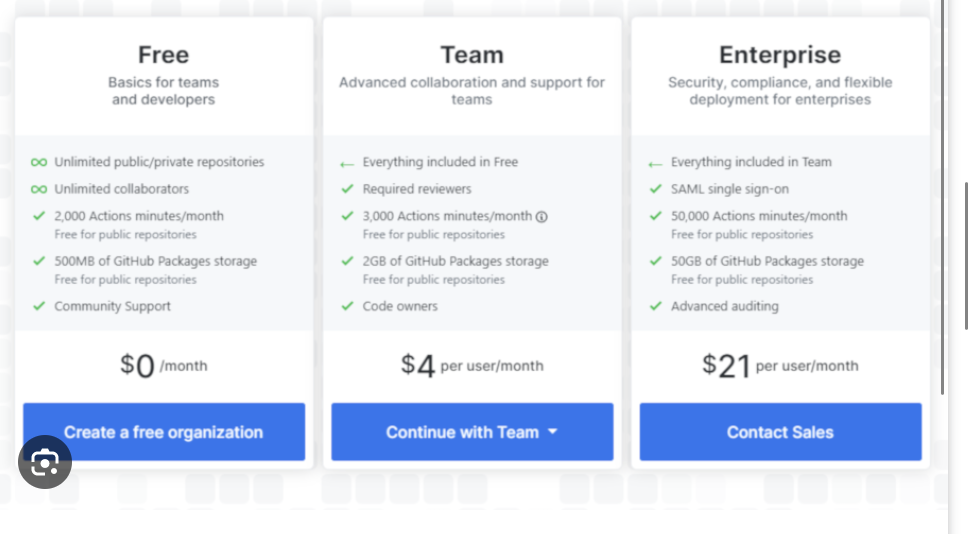
- Choose a Plan: Click on free organization
GitHub offers both free and paid plans. Choose the plan that suits your needs. For most users, the free plan is sufficient.
8. Verify Your Email:
After submitting the sign-up form, GitHub will send a verification email to the email address you provided. Open the email and click on the verification link to confirm your email address.
9. Complete the Setup:
Follow any additional on-screen instructions to complete the setup process. This may include setting up your profile and configuring your preferences.
10. Explore GitHub:
Once your account is set up, you can explore GitHub, create repositories, contribute to projects, and collaborate with others.
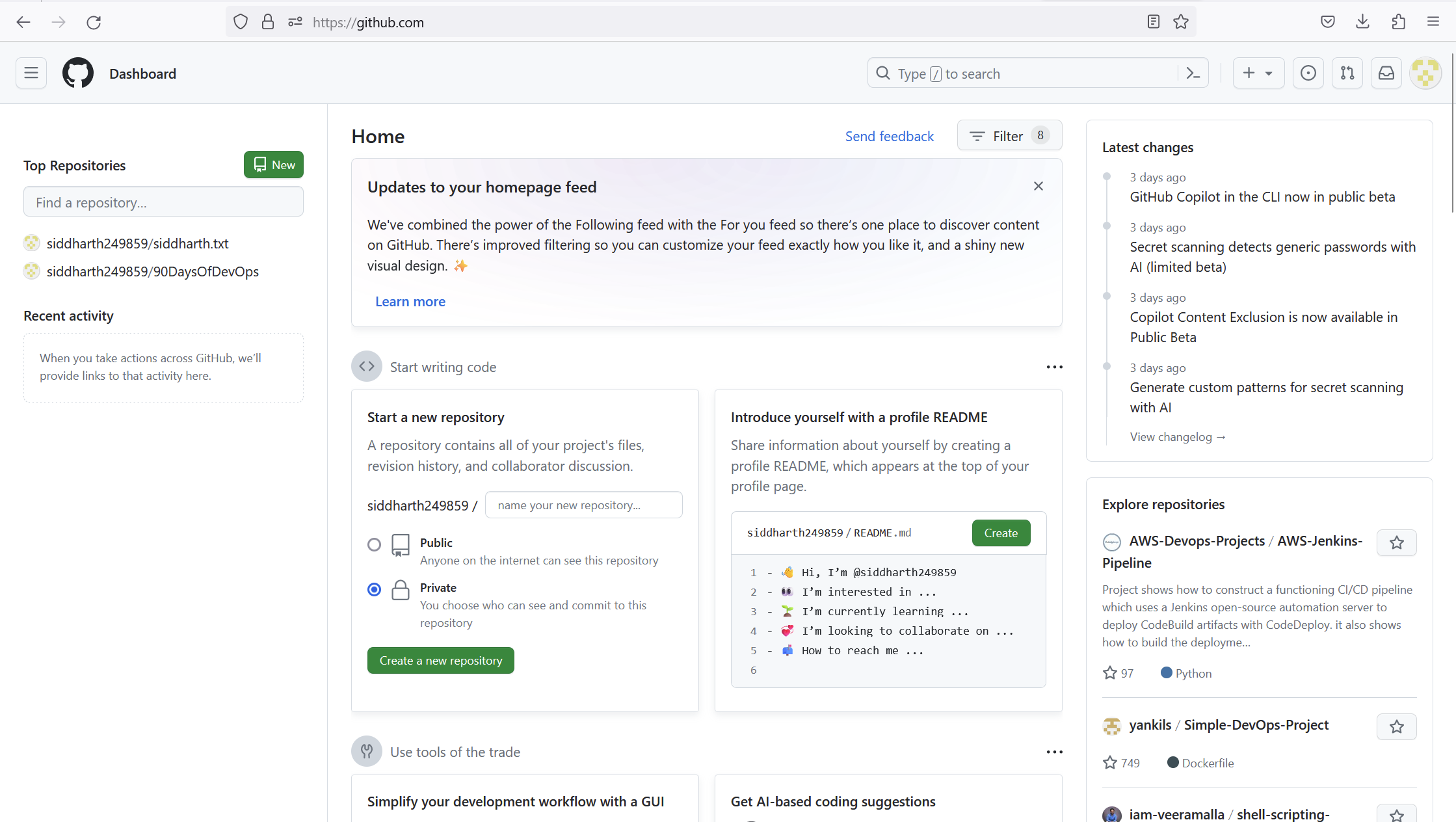
That's it! You've successfully created a GitHub account. Now you can start using GitHub for version control, collaboration, and sharing your code with the community.
Exercises:
Create a new repository on GitHub and clone it to your local machine.
Create a new repository1. first log in to the GitHub account
2. Click on the left side top new repository.
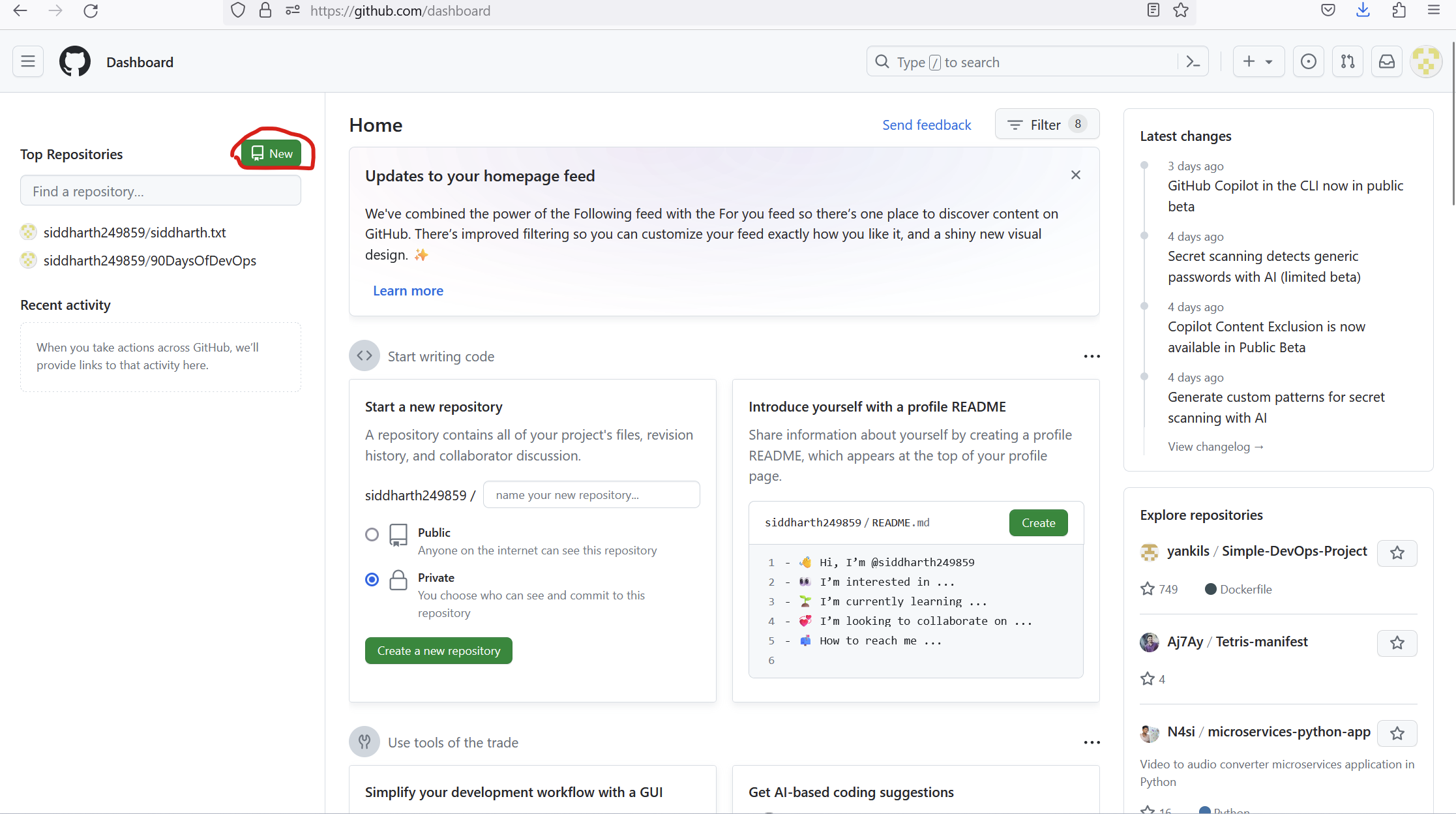
Enter your repository name for example: mayank
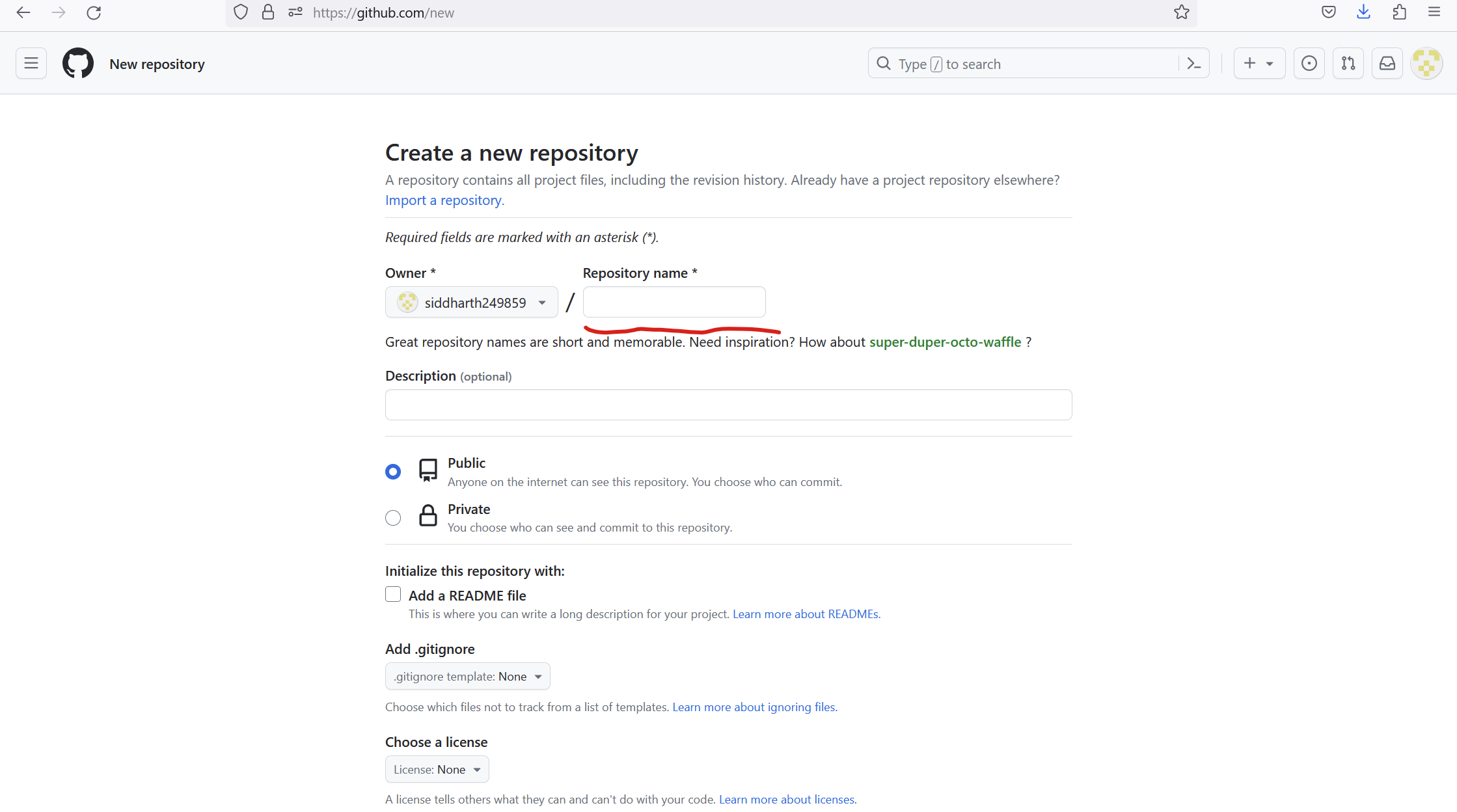
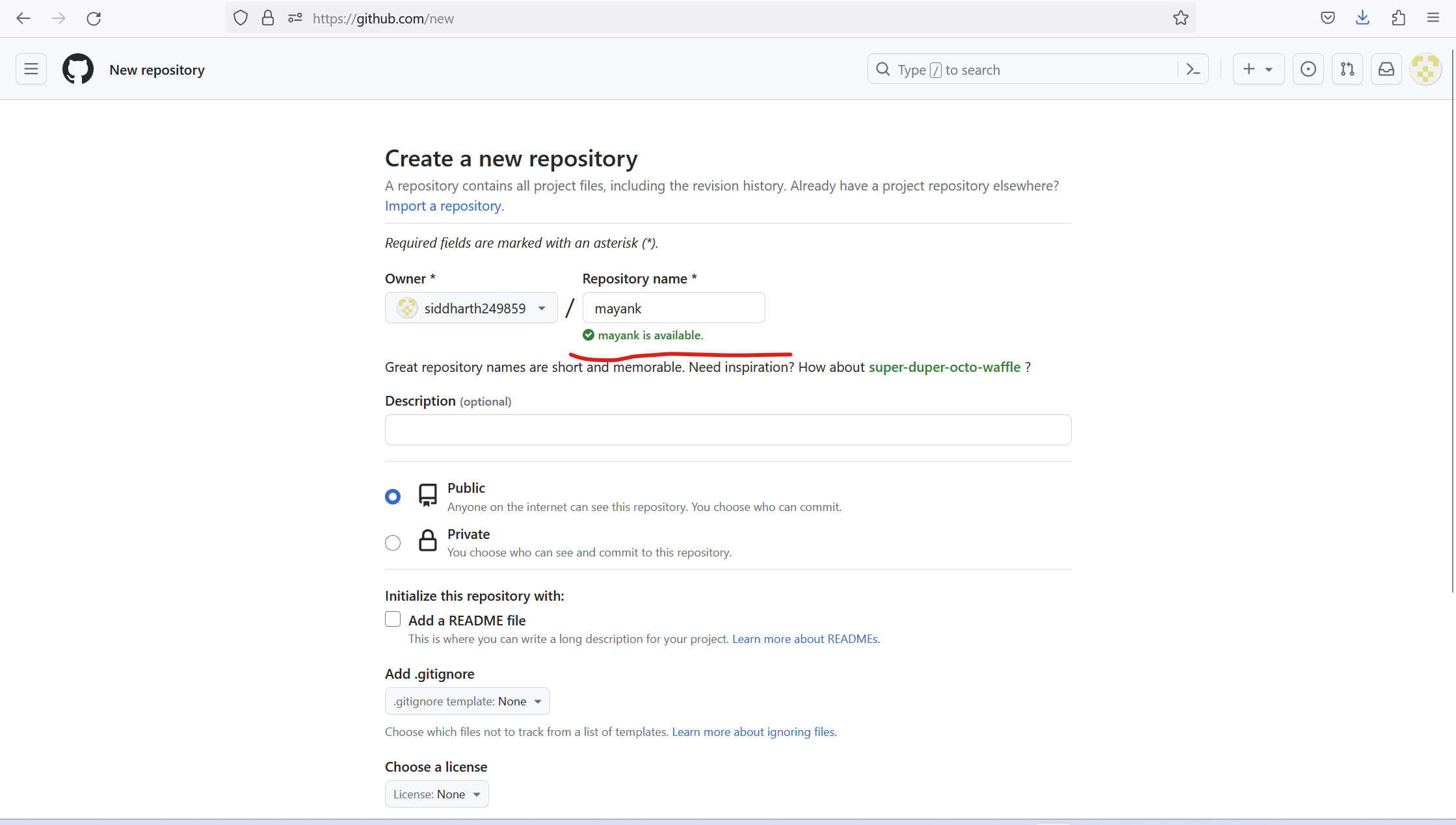
you want your file public or private as you wish.
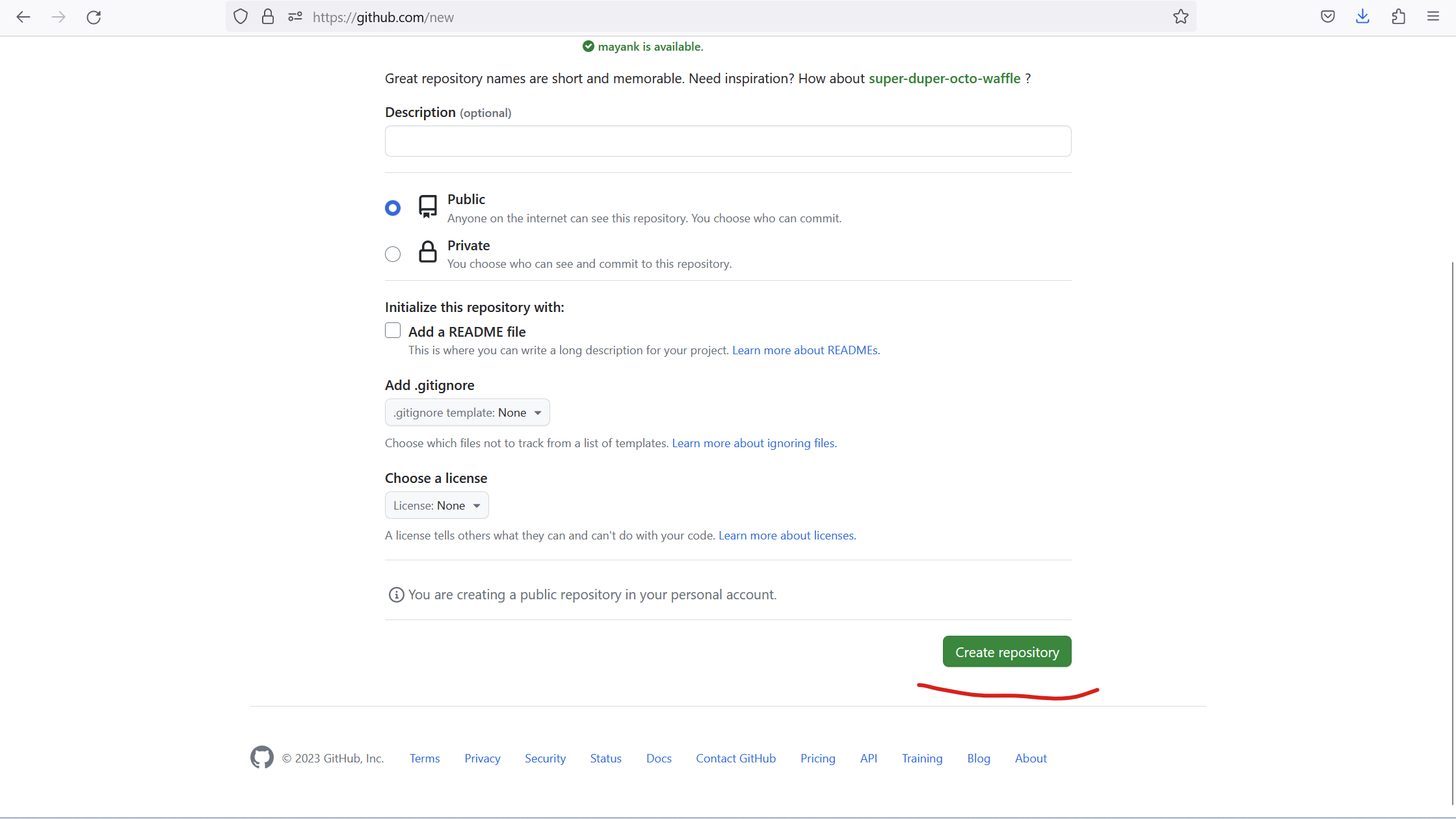
Scroll down and click on Create Repository.
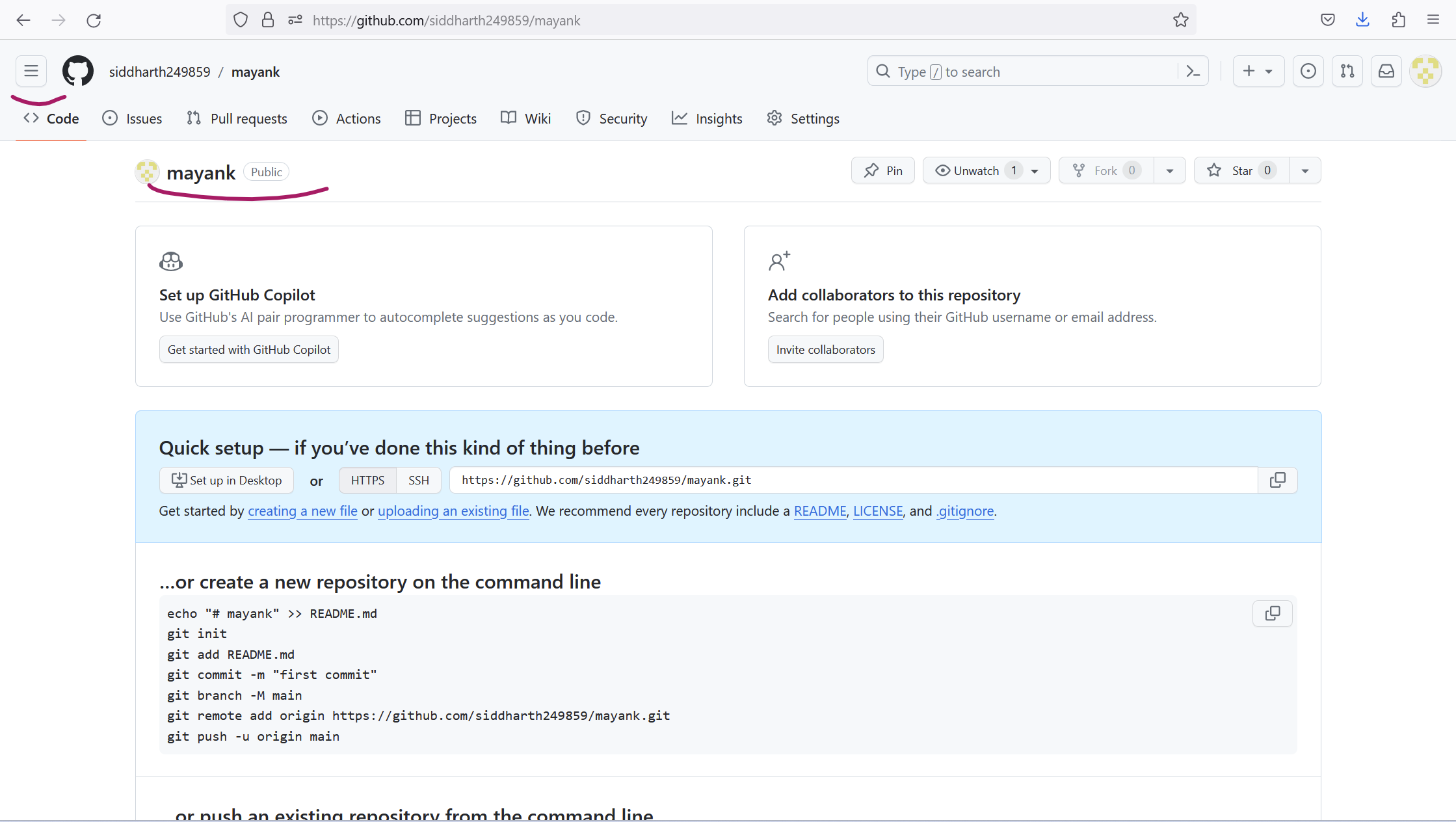
Now mayank repository is created and clicks on the line button.
Click on the home
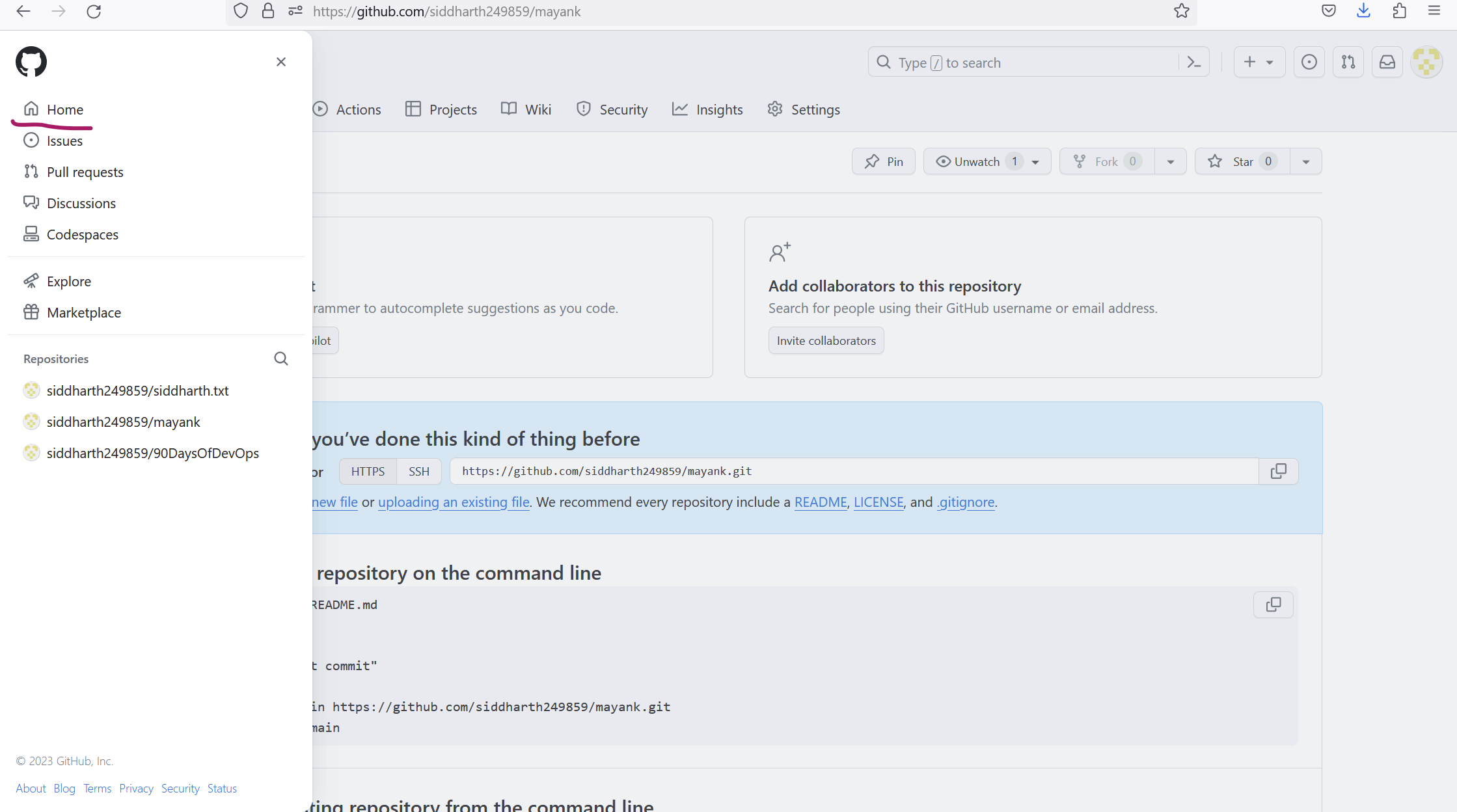
where your new repository is shown "mayank"
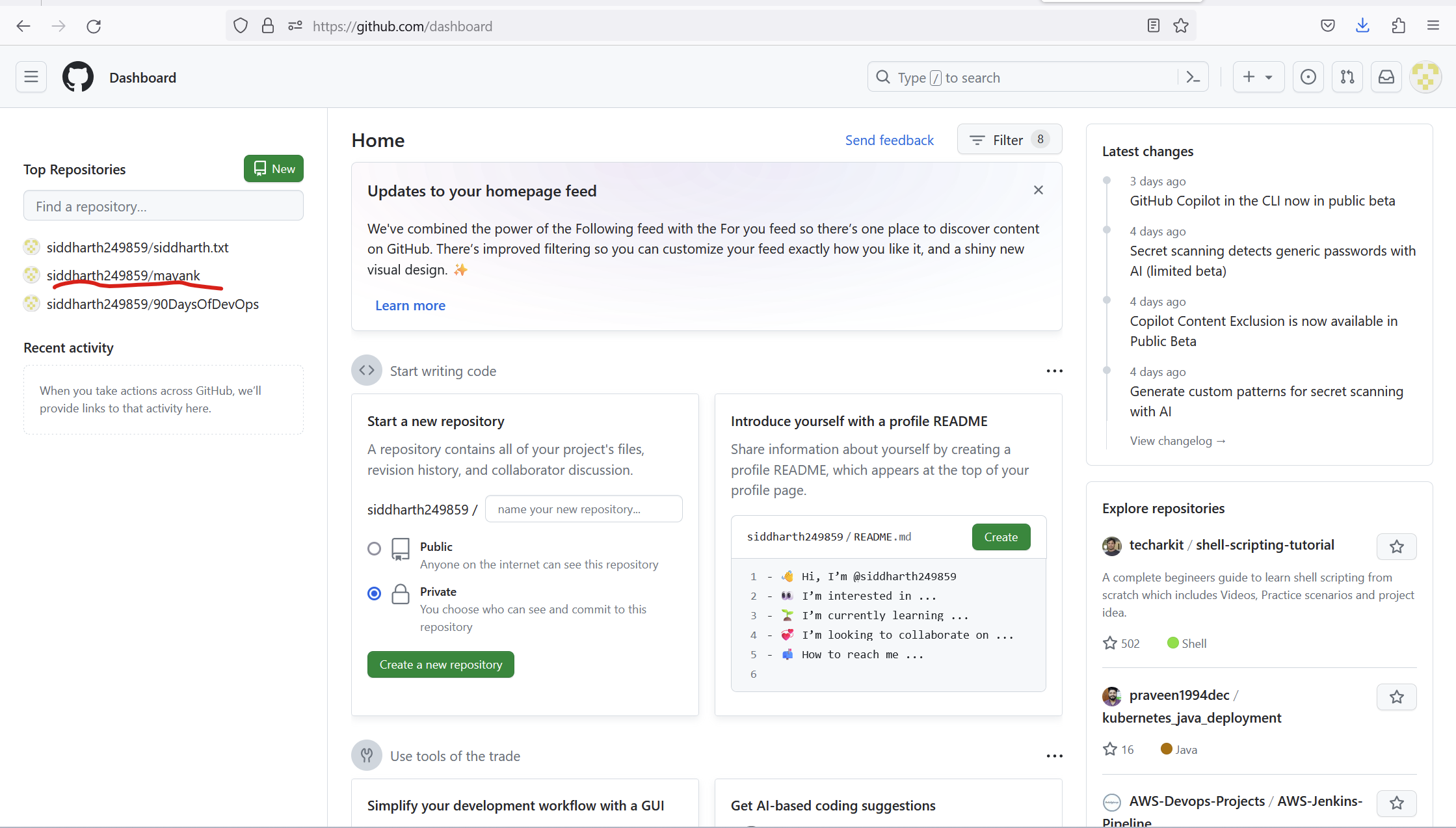
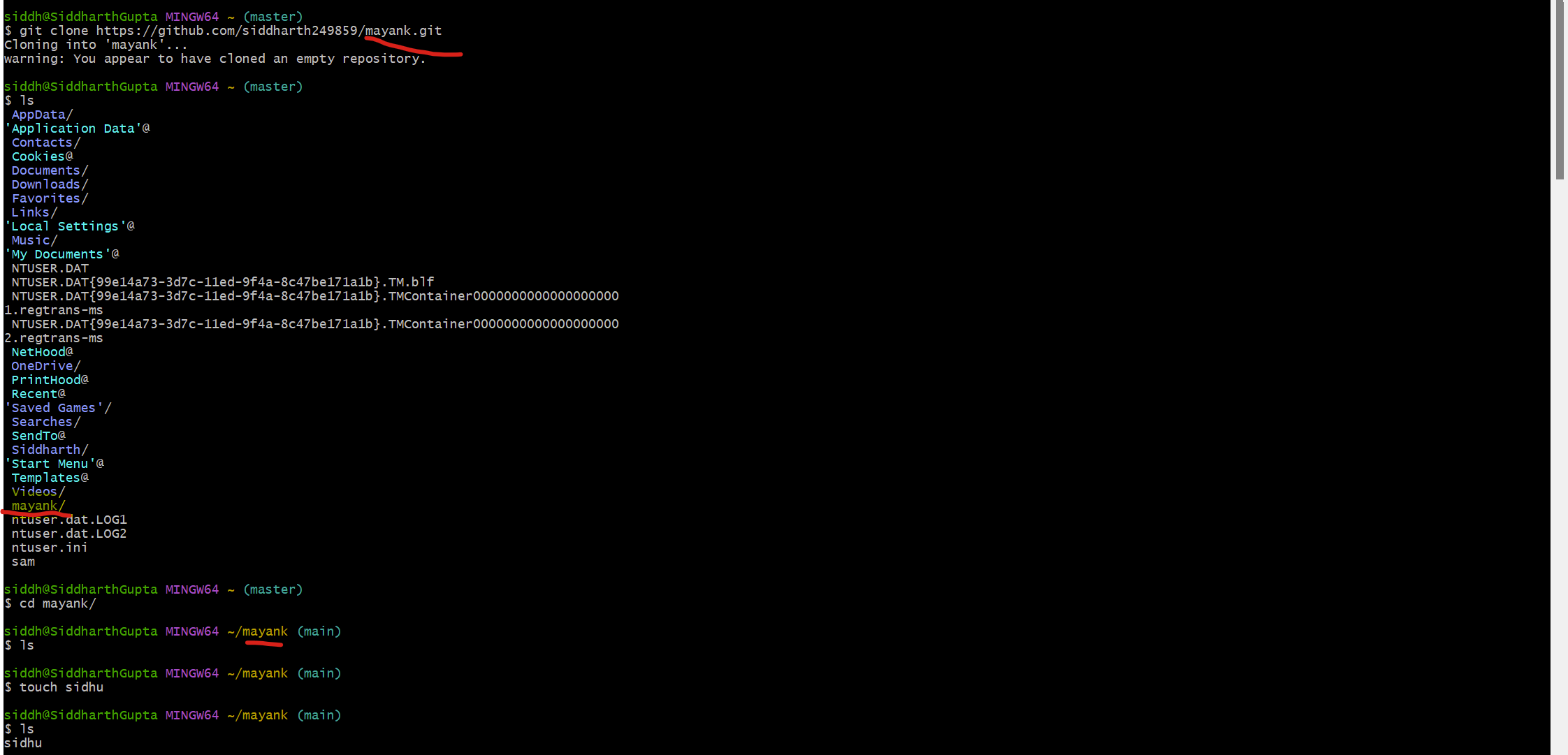
clone it to your local machine.
git clone https://github.com/siddharth249859/mayank.git
cd mayank/
touch sidhu----File creation
ls
file creation output-
sidhu
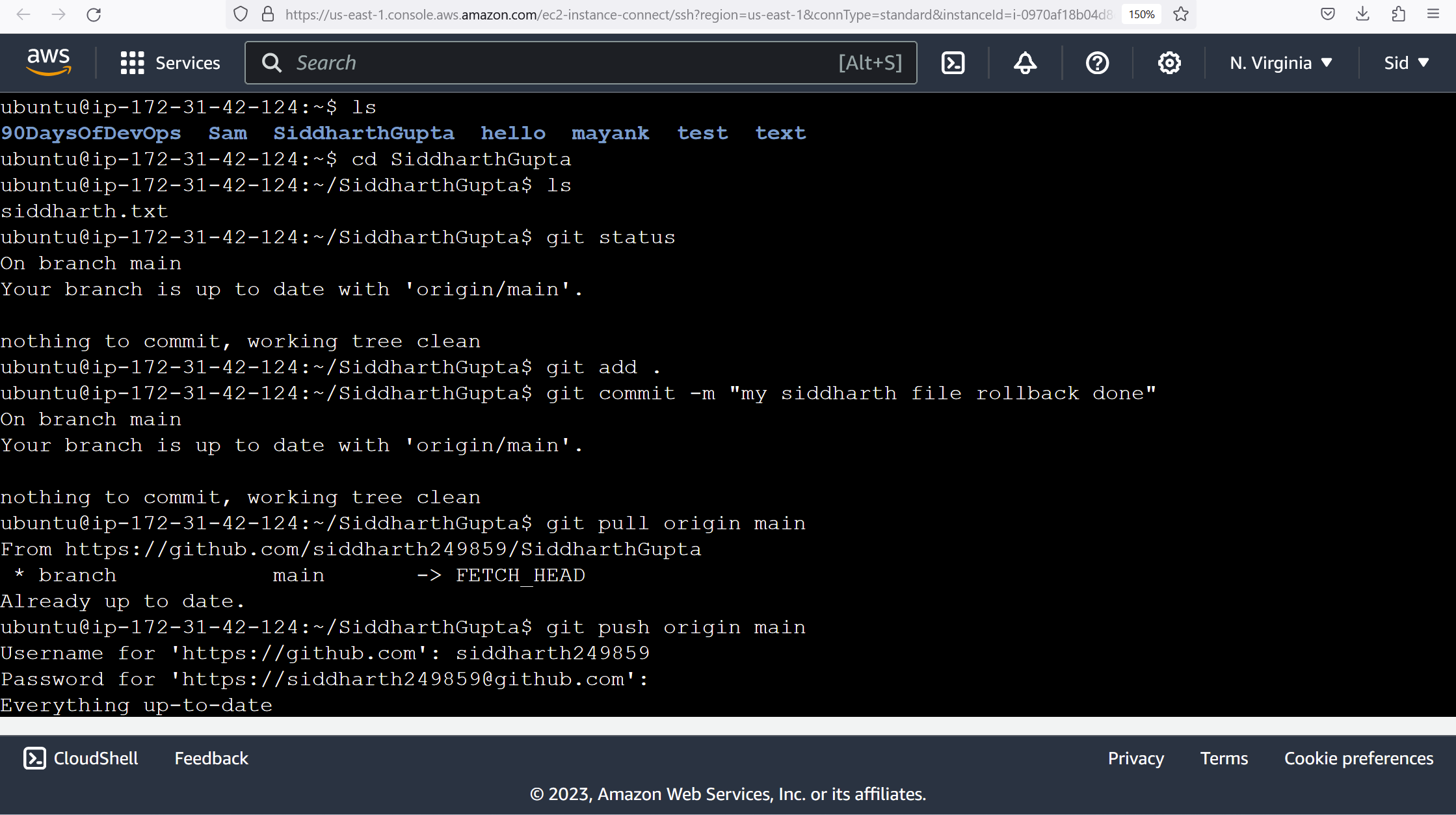
Make some changes to a file in the repository and commit them to the repository using Git.
git clone https://github.com/siddharth249859/SiddharthGupta.git
ls

cd SiddharthGupta
touch siddharth.txt

vim siddharth.txt
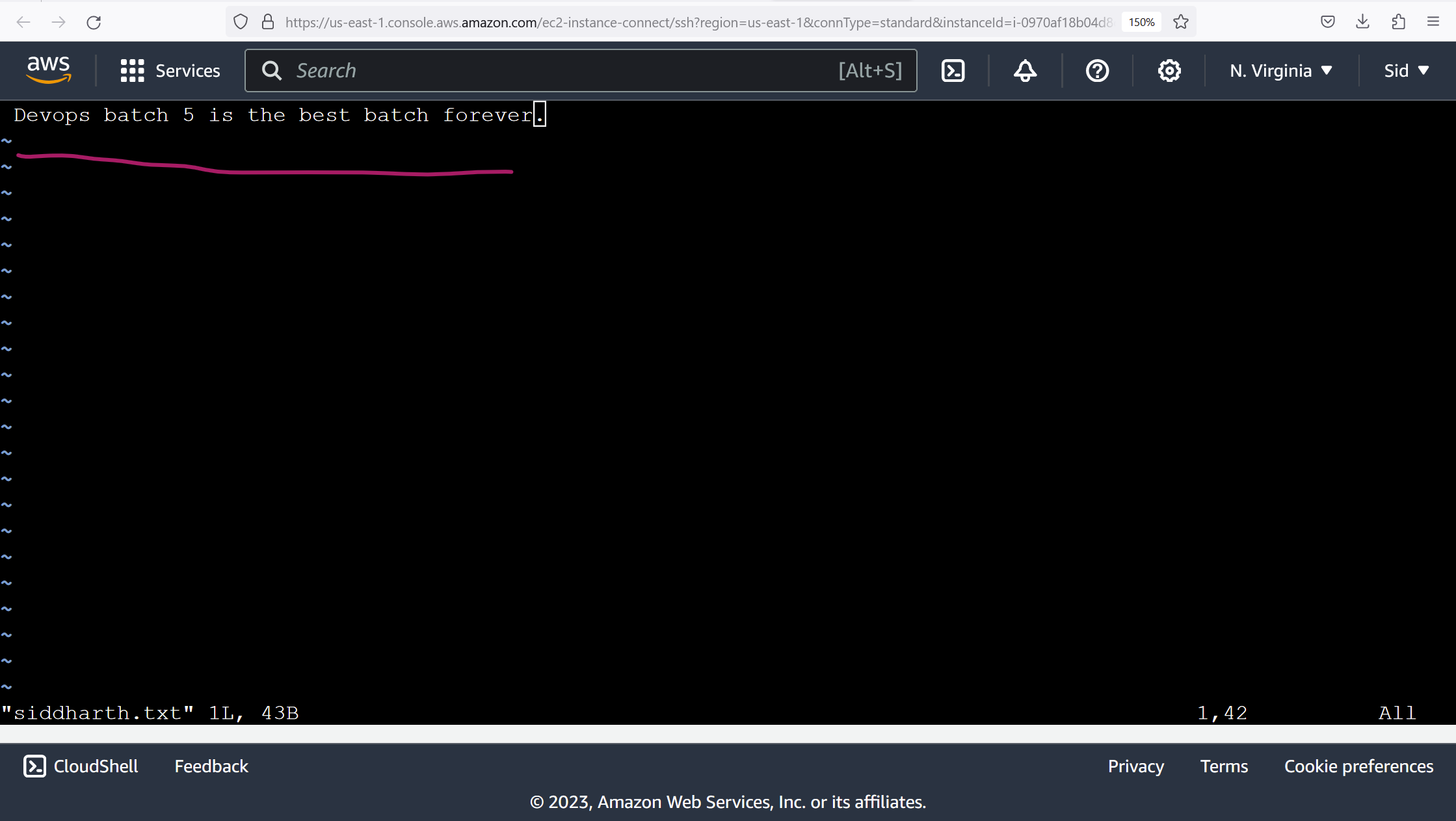
file save-:wq!
cat siddharth.txt

git status

git add .
git status

git commit -m "siddharth file added"
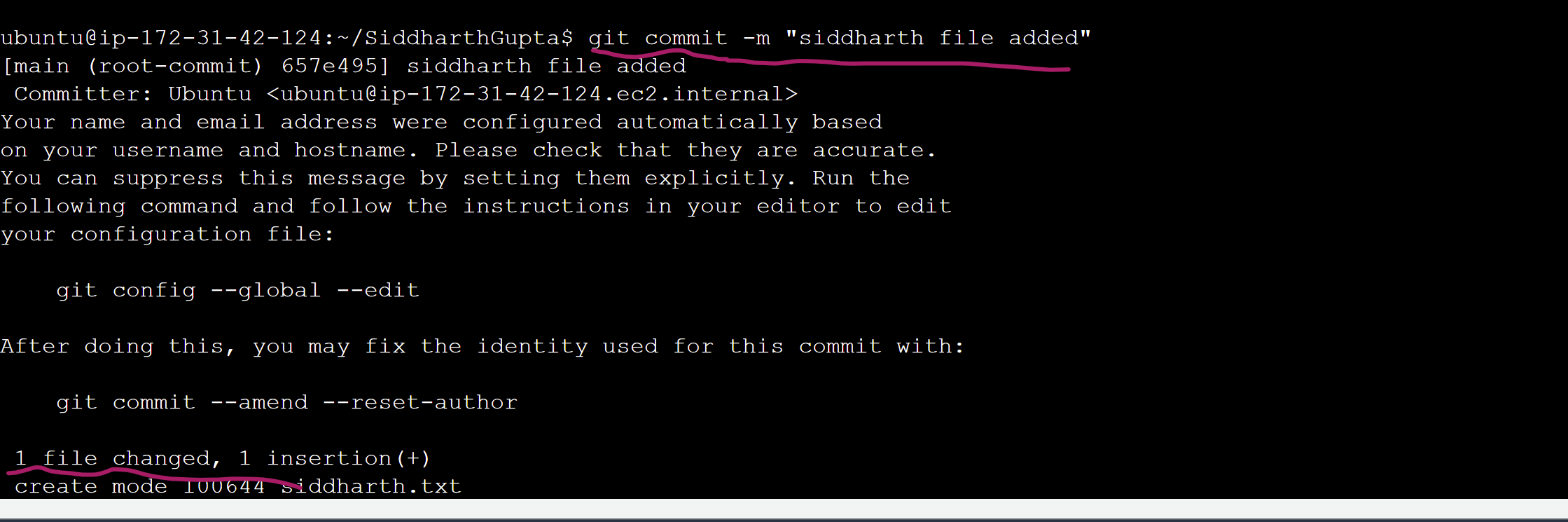
git push
enter username
enter password
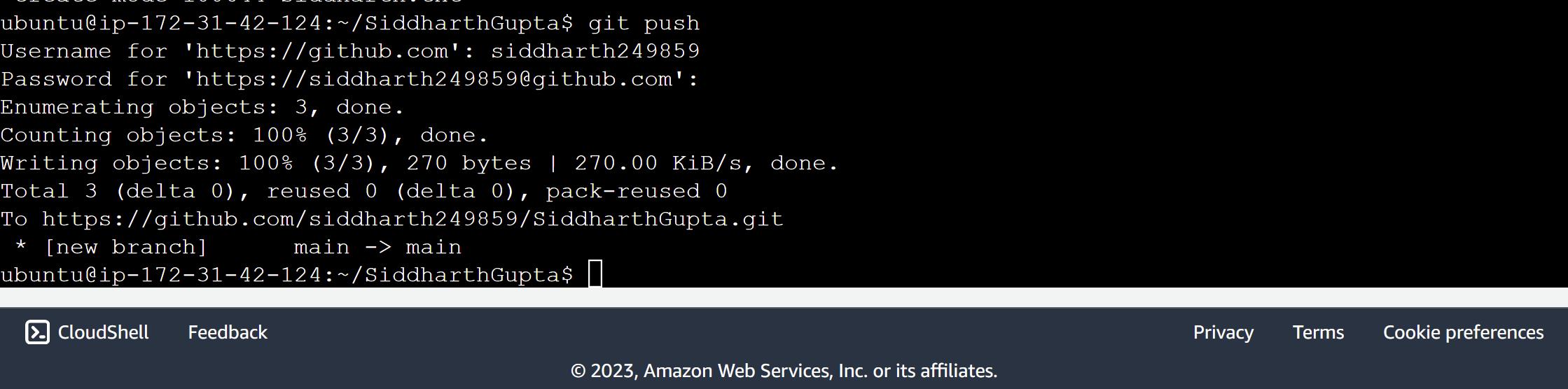
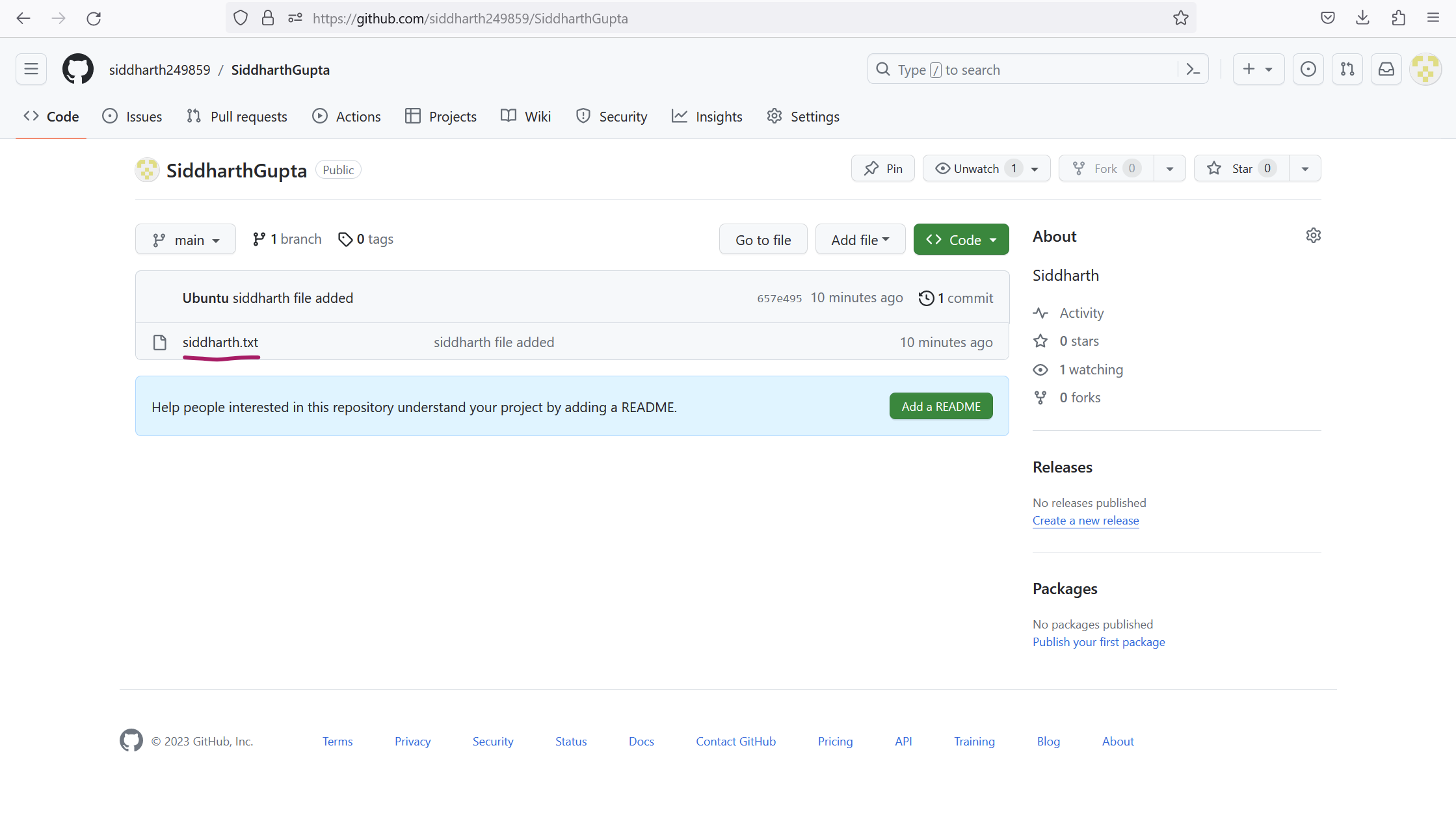
A new file was added "siddharth.txt" in the SiddharthGupta repository.
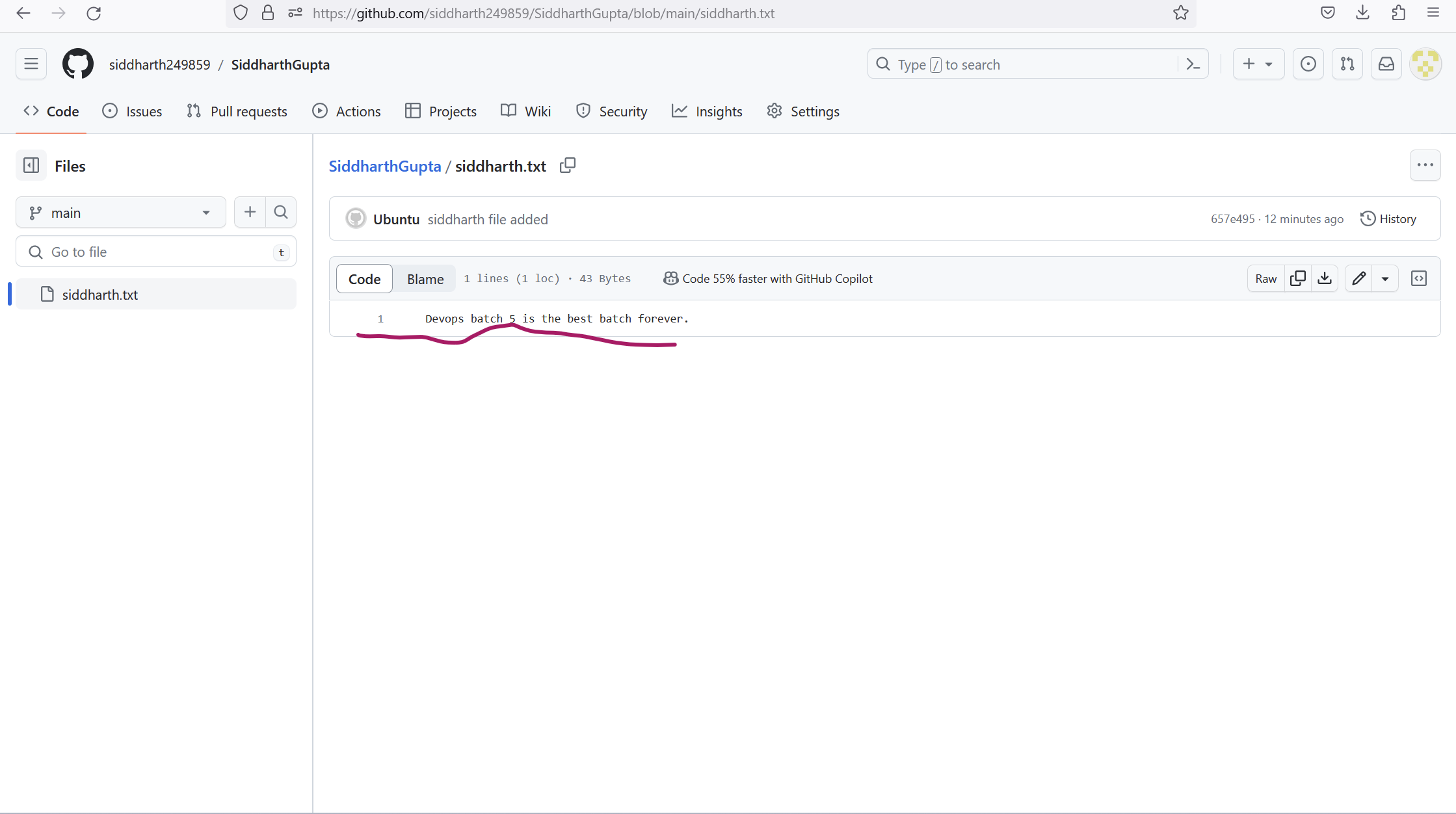
Output siddharth.txt file:
Push the changes back to the repository on GitHub.