Day-22 : Getting Started with Jenkins 😃
What is Jenkins?
Jenkins is an open source continuous integration-continuous delivery and deployment (CI/CD) automation software DevOps tool written in the Java programming language. It is used to implement CI/CD workflows, called pipelines.
Jenkins is a tool that is used for automation, and it is an open-source server that allows all the developers to build, test and deploy software. It works or runs on java as it is written in java. By using Jenkins we can make a continuous integration of projects(jobs) or end-to-endpoint automation.
Jenkins achieves Continuous Integration with the help of plugins. Plugins allow the integration of Various DevOps stages. If you want to integrate a particular tool, you need to install the plugins for that tool. For example Git, Maven 2 project, Amazon EC2, HTML publisher etc.
Let us do discuss the necessity of this tool before going ahead to the procedural part for installation:
Nowadays, humans are becoming lazy😴 day by day so even having digital screens and just one click button in front of us then also need some automation.
Here, I’m referring to that part of automation where we need not have to look upon a process(here called a job) for completion and after it doing another job. For that, we have Jenkins with us.
Tasks:
- What you understood in Jenkins, write a small article in your own words.
Jenkins is open source tool that focuses on completing set of job that is given to it.That's is tries to automate. There are many features which have automation points. Jenkins written in Java and you can automate a lot of things using Jenkins.
Create a freestyle pipeline to print
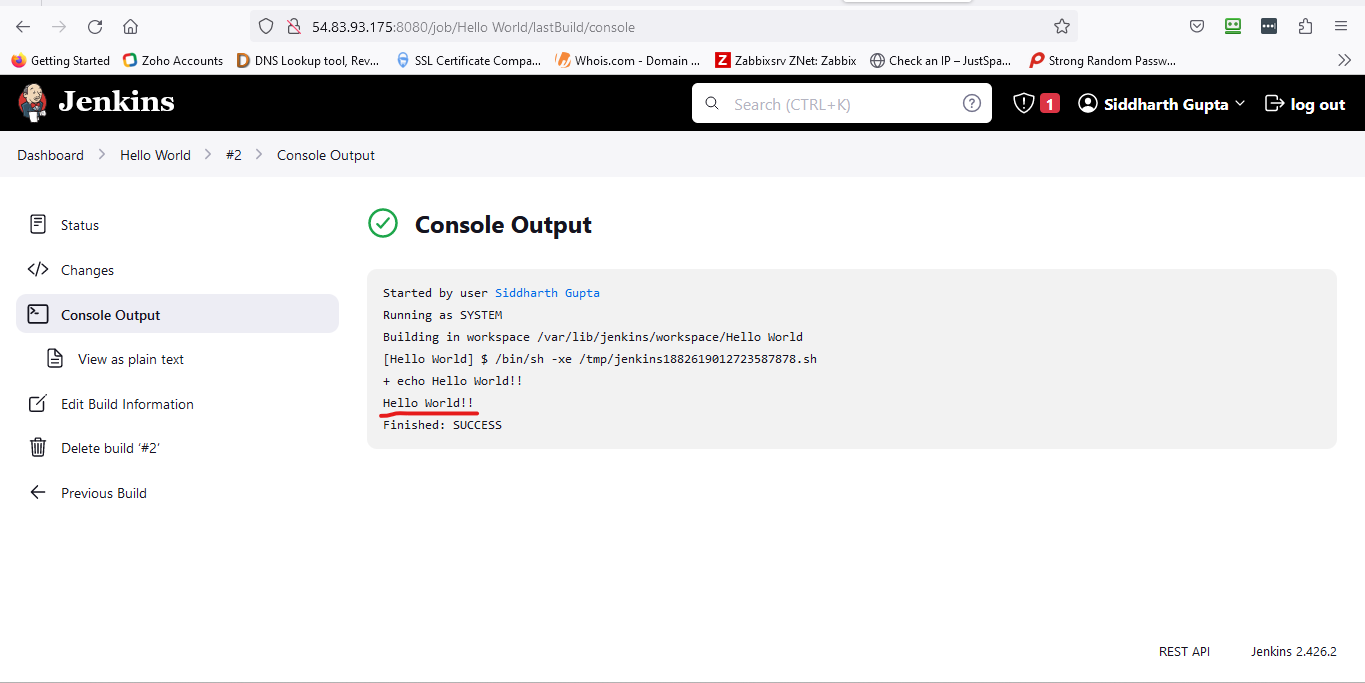
"Hello World!!"
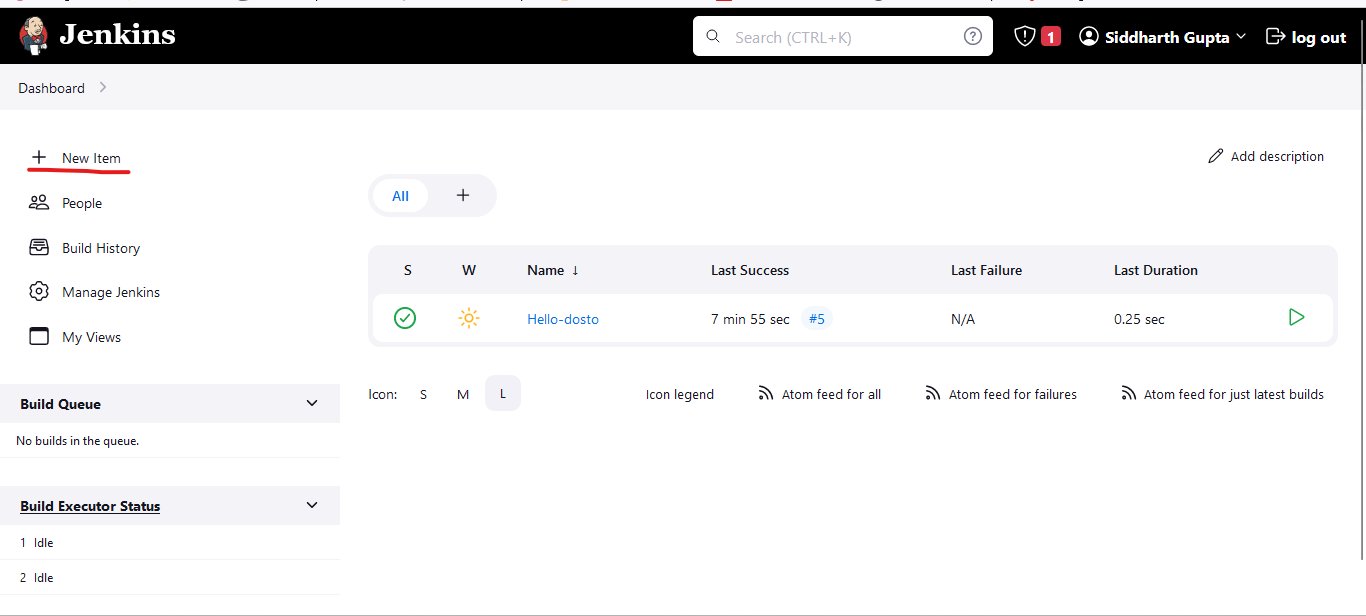
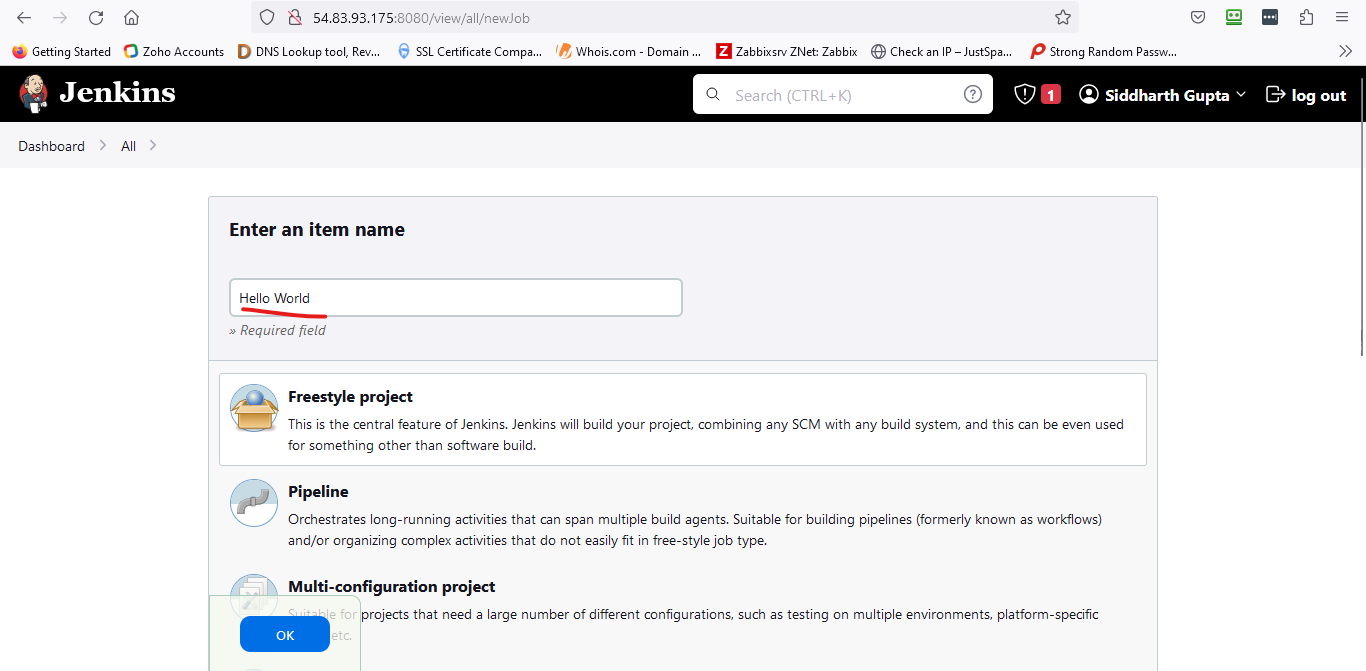
a. Click on New item.
b. Enter your item name.
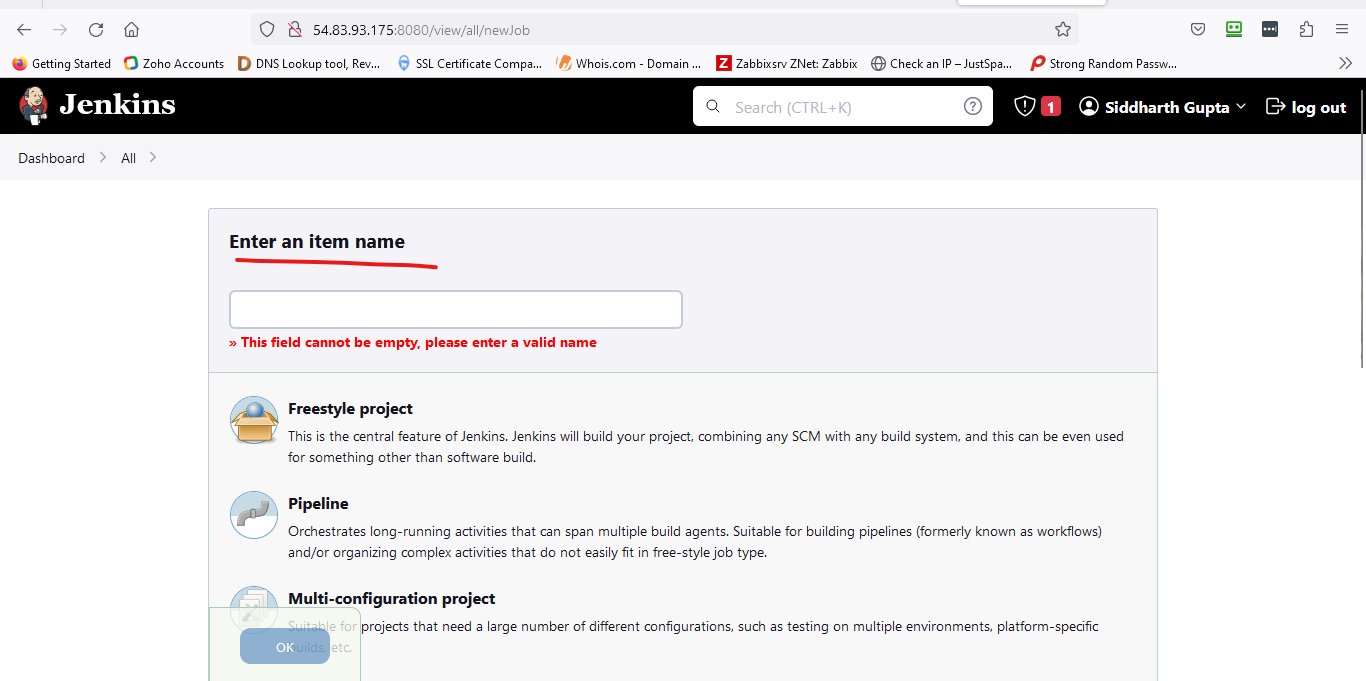
Name is "Hello World"
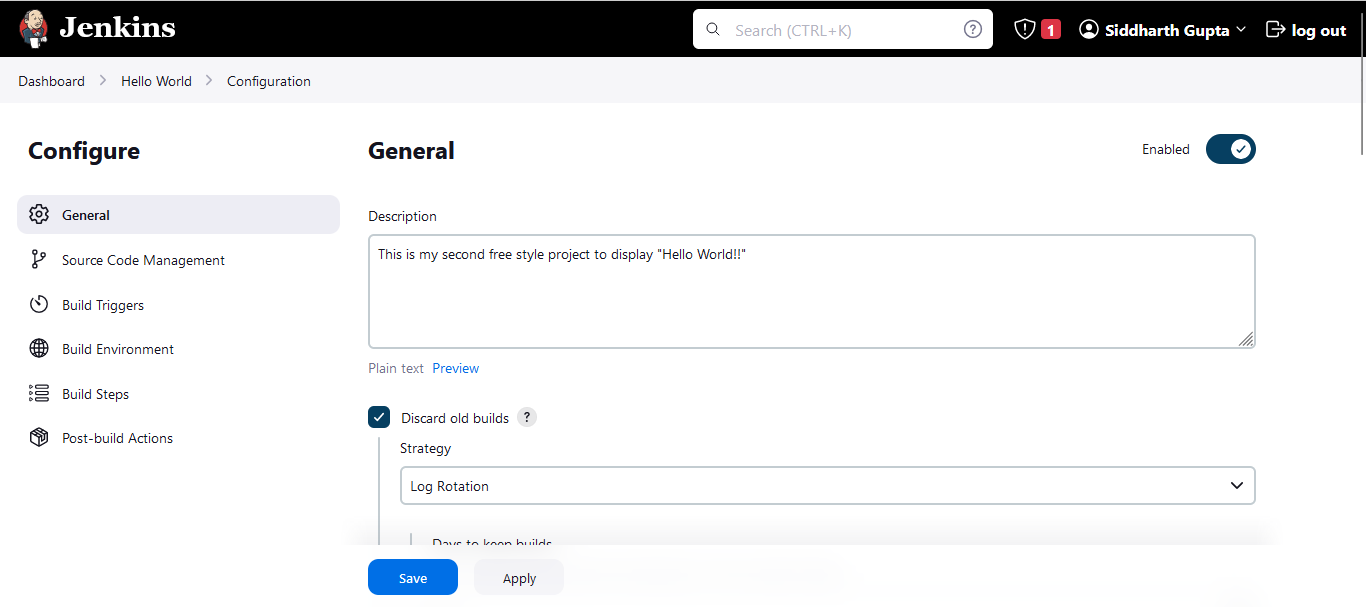
Enter the description.
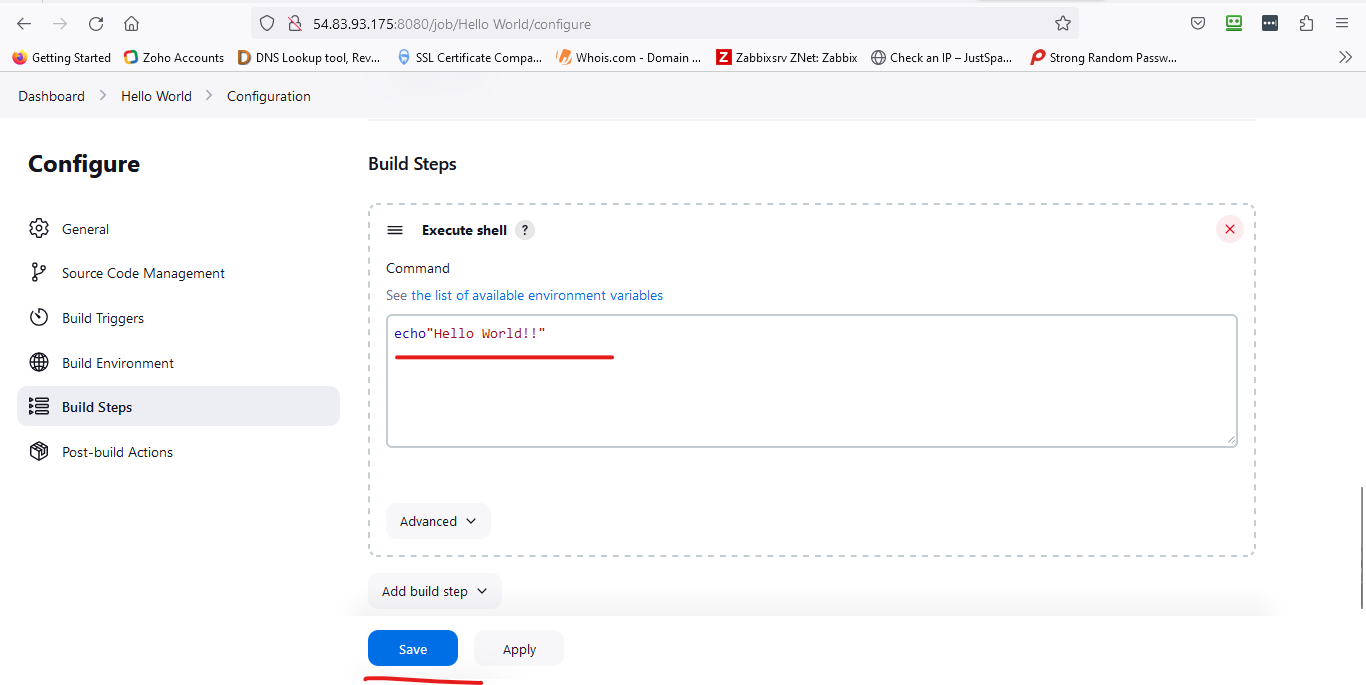
Select build steps and use execute shell then save it.
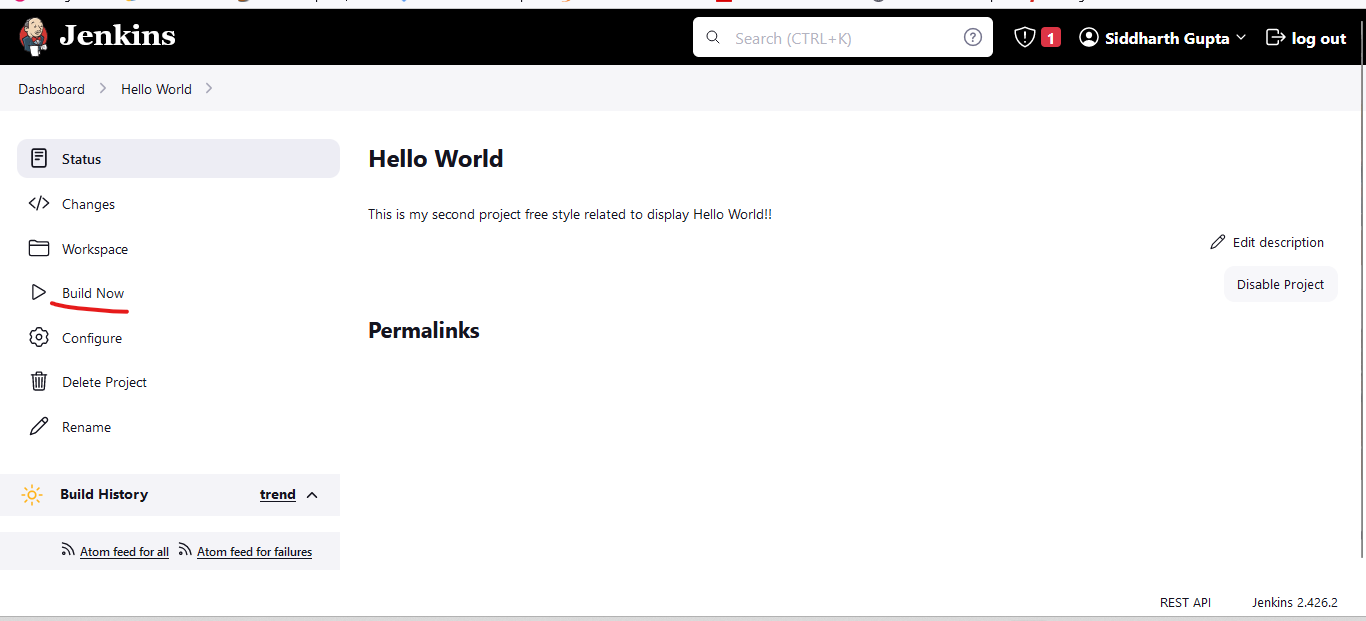
Click on build now.
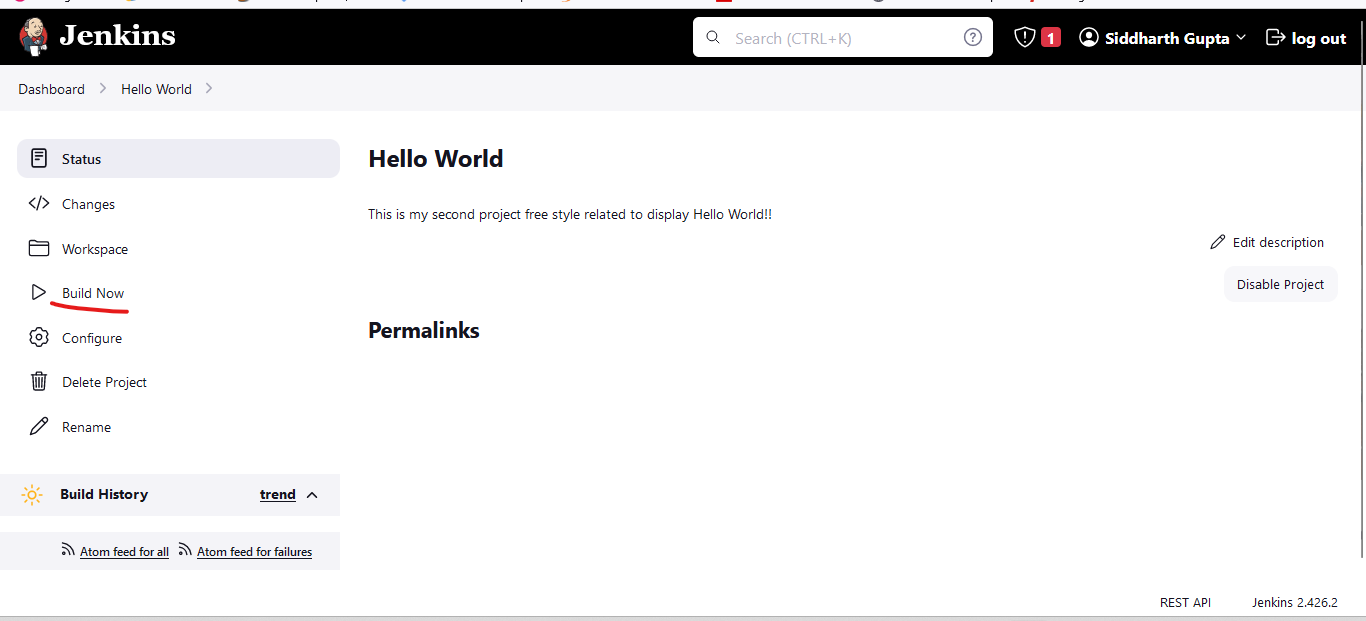
"Hello world" free style project successfully run.
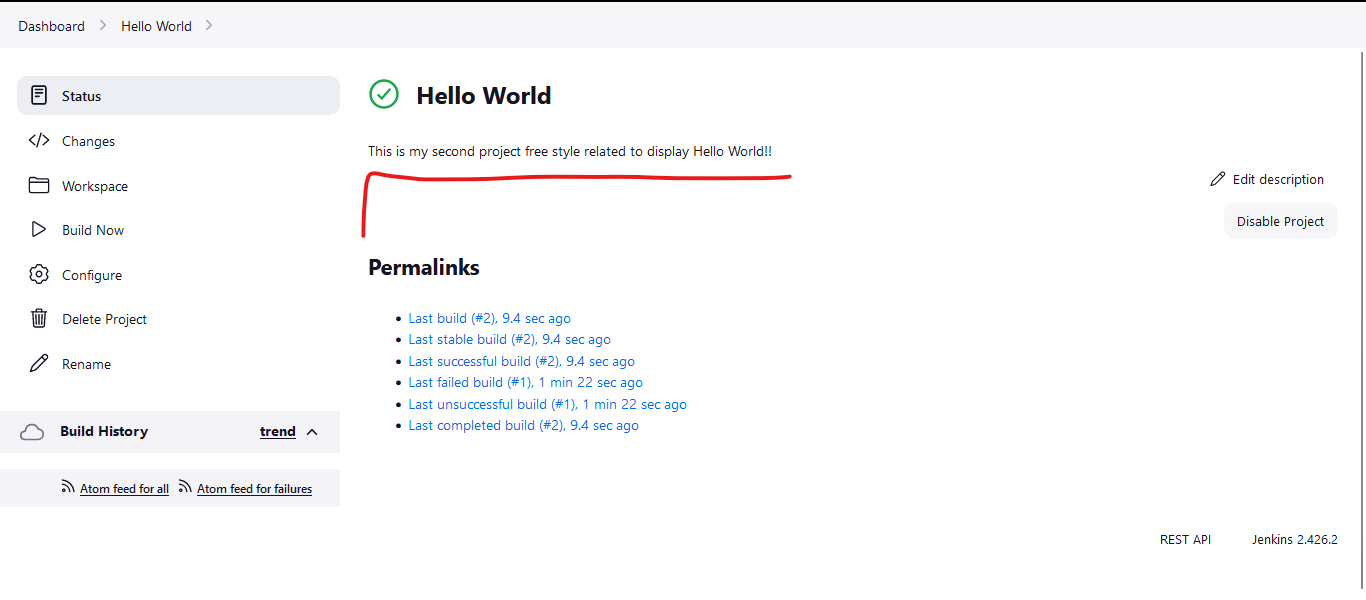
Output:-